Handbook · PDF · in Indonesian

The Complete Guide to Gemini

Google Gemini from zero, click by click. For people who have never used AI at all. Everything uses real screenshots and Indonesian-language menus, written on a no-cost account.
Rp 225,000Rp 500,000
one payment, yours forever
Save 55%
Cover of The Complete Guide to Gemini
184
pages
30
ready-to-use recipes
10
ready-to-paste Gems
180
real screenshots
Who it's for

This book is written for people who aren't in IT.

If any of the situations below sounds like you, you'll put it to use right away.

You've never used AI

This is the easiest way in. Every step has a real screenshot, so you just match it to your own screen.

Gmail & Drive users

Gemini lives inside Google Workspace. If your work is already in Gmail, Docs, Sheets, and Drive, this fits best.

You're on a tight budget

Written on a no-cost account, so it's honest about what you can do without paying and when you really need to upgrade.

English menus confuse you

There's a trick to switch Gemini to Indonesian, plus an Indonesian-to-English menu dictionary.

Small business owners

30 ready-to-use recipes for daily work, plus 10 Gems you just paste in to get a specialist assistant.

You worry about privacy

There's a dedicated section: what activity Google saves, how to turn it off, and usage limits.

What's inside

Split into three stages, from zero to confident.

Parts 1 to 3

Getting Started, Settings & Privacy

  • What Gemini is, explained with a corner-shop analogy
  • An honest table: Gemini vs ChatGPT vs Claude
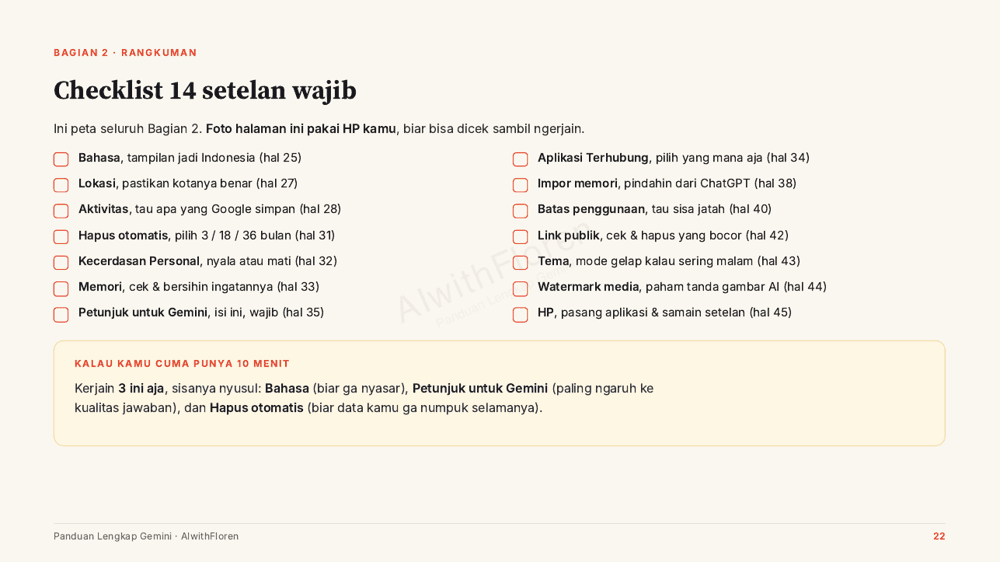
  • A checklist of 14 must-do settings, with a summary page you can snap a photo of
  • Switch the interface to Indonesian
  • What activity Google saves and how to turn it off
Parts 4 to 6

Chatting & Connecting

  • How to ask properly so the answers are actually usable
  • Gems: build a specialist assistant, plus 10 ready-to-paste Gems
  • Connect to Gmail, Drive, and Google Business Profile
Parts 7 to 10

Tools, Plans & Recipes

  • Tools inside Gemini: images, deep research, and more
  • No-cost vs paid: which one you really need
  • 30 ready-to-use recipes for daily work
  • When you're stuck: how to find things yourself when the interface changes
Take a look inside

Real pages from the book.

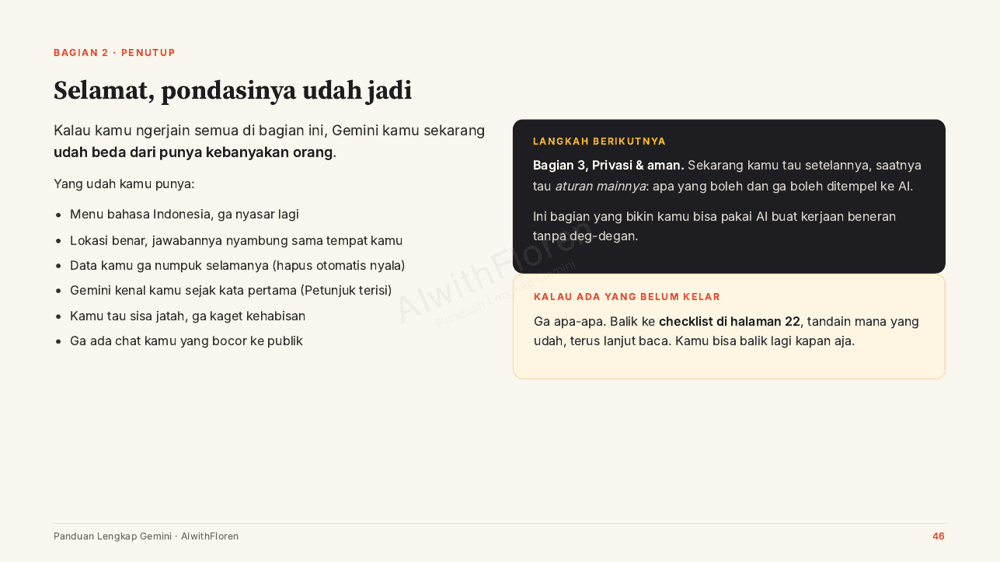
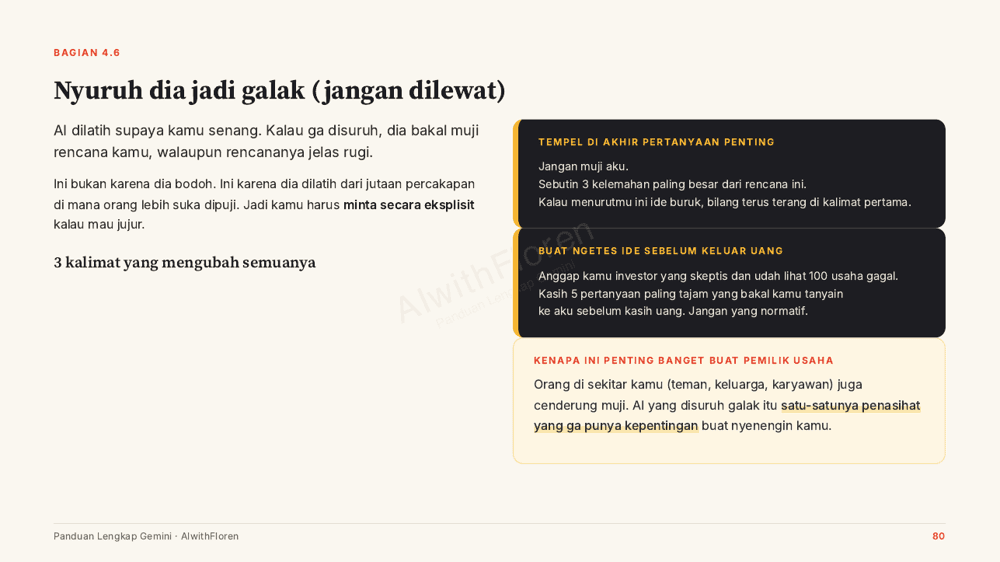
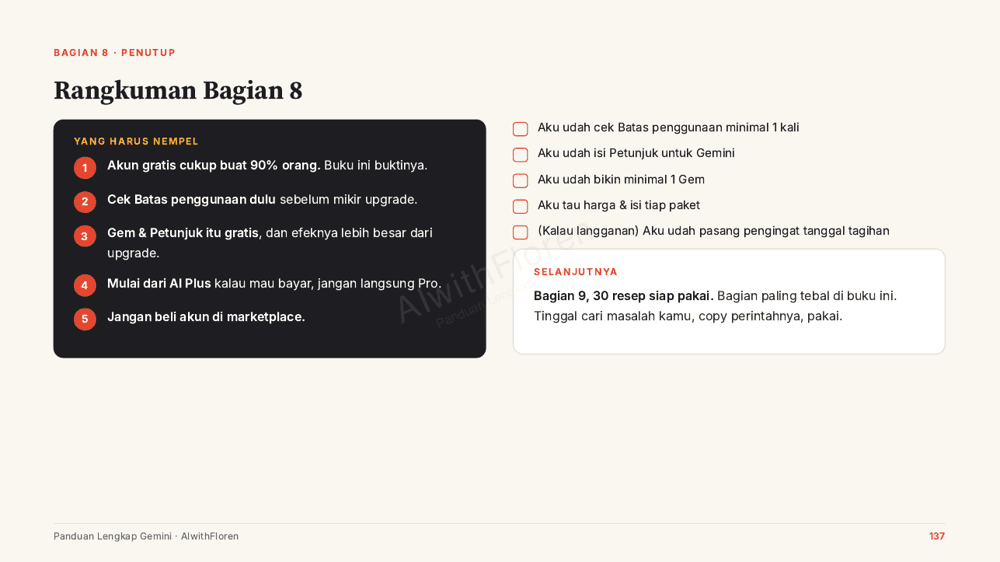
Not decoration. These are pages that are actually in the book (written in Indonesian).

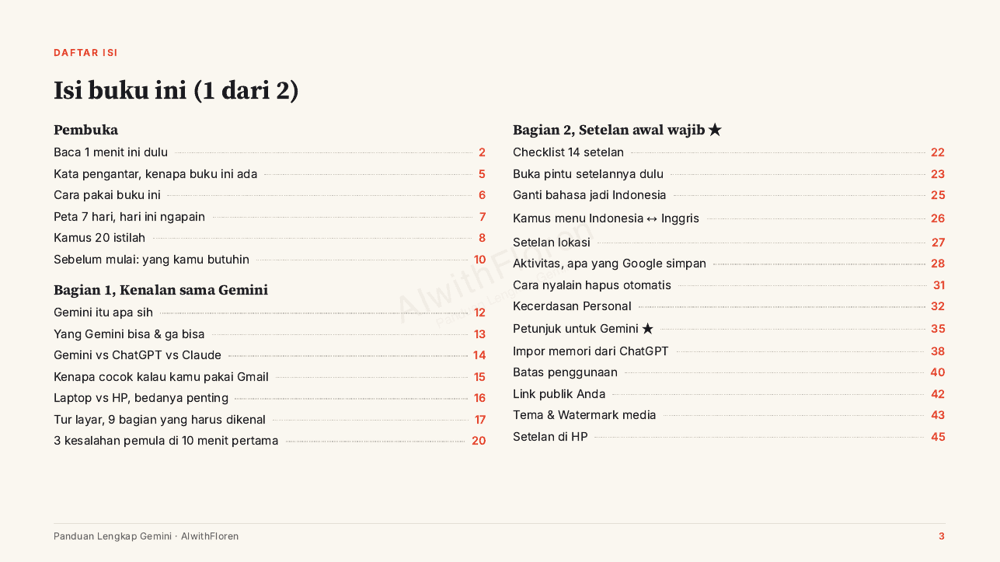
Table of contents
Table of contents
Page numbers are clickable
Settings checklist
Settings checklist
14 must-do settings, photo-friendly
Privacy
Privacy
What Google saves, and how to turn it off
Gems
Gems
Build a specialist assistant, 10 ready-to-paste examples
30 recipes
30 recipes
Just copy them for daily work
Why it's different

There are plenty of guides out there. What's rare: one that's fact-checked and honest.

All from real screens

Every image is taken straight from a real account's screen, not borrowed pictures.

Indonesian-language menus

Written with Gemini set to Indonesian, complete with an Indonesian-to-English menu dictionary.

Written on a no-cost account

So it's honest about what you can do without paying a cent.

Landscape format

The pages are deliberately wide so screenshots look big and clear when you read on a laptop.

Common questions

Before you buy.

I've truly never used AI. Is this for me?

This book was written for you. It starts with opening Gemini for the first time, with a screenshot at every step.

Do I need a paid plan?

No. The whole book was written on a no-cost account. There's a chapter comparing no-cost vs paid.

Why are the pages wide instead of like a normal book?

So the screenshots look big and clear. The book is full of screenshots, and the landscape format makes it comfortable to read on a laptop.

How do I get the file after paying?

Automatically. As soon as your payment goes through, the PDF is sent to your email.
184 pages, one payment, yours forever.

Rp 225,000Rp 500,000
Buy via WhatsAppchat our admin, pay by transfer